WhatsApp Business Features
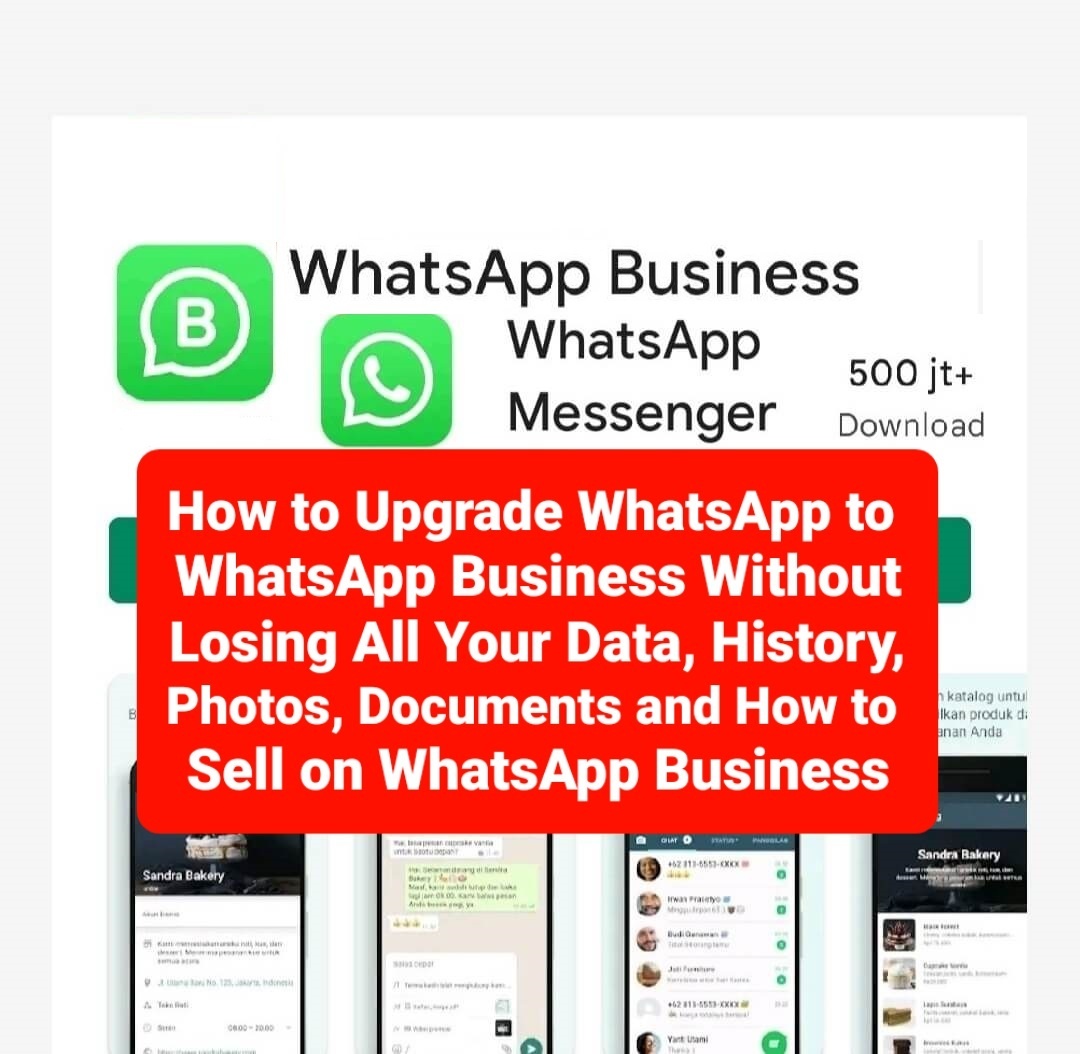
Basically, WhatsApp Business is built on WhatsApp Messenger and includes all the features that you often use while using WhatsApp Messenger, such as the ability to make free calls, send multimedia in the form of photos and videos, send free local and international messages, group chat, offline messages. , and much more. In addition to the features already available in WhatsApp Messenger, WhatsApp Business provides new features including:
- BUSINESS PROFILE feature: You can manage and create a profile for your business to help customers find accurate information such as, the products you sell, website, location and contact information.
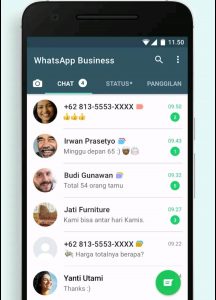
- BUSINESS MESSAGING Features: In this feature there are several menus, namely: Greetings Menu (you can welcome new customers automatically), Messages Menu Outside of Working Hours (you can reply to messages automatically when outside of working hours), Quick Reply Menu (you can reuse frequently sent messages) and Label menu (you can manage chats and customers). Thus this business messaging feature will make you more responsive to customers so that a good and sustainable relationship will be established between you and your customers.
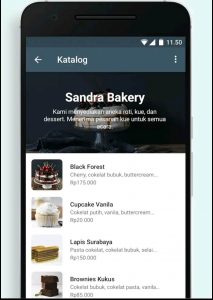
- CATALOG feature: You can display a wide range of products and services that you have. In this catalog feature there are 2 menus, namely the menu add new items and add new collections. You can add a new item by adding a photo of the product / goods / service that you will sell, the item name column, item price column, item description column, link column and item code column (only optional can be left blank). You need to wait a while until it is approved so that the products / goods / services that you upload can appear and can be immediately collected in the add new collection menu.
- RUNNING WHATSAPP MESSENGER AND WHATSAPP BUSINESS: You can use WhatsApp Business and WhatsApp Messenger on the same phone, but each app must have its own phone number.
- FIXED NUMBER/LANDLINE SUPPORT: You can use WhatsApp Business with a landline number and your customers can message you on that number. During the verification process, select the “Call me” option to receive a code by phone call.
- WHATSAPP WEB: You can respond to customers more efficiently directly from a computer browser, whatsapp web business, whatsapp mac, whatsapp iphone or whatsapp online. (Data charges may apply. Contact your telephone service provider for more information).
Read Also:
How to Register for WhatsApp Business
You need to know that to register for WhatsApp Business with a phone number that you have previously used on WhatsApp Messenger, your phone number will automatically switch completely to WhatsApp Business. You cannot have WhatsApp Business and WhatsApp Messenger at the same time with the same phone number even if you have used the Dual Messenger feature on your cellphone or used the WhatsApp account multiplier application. Yes, one phone number can only be used to choose between WhatsApp Business or WhatsApp Messenger. If you have separate business and personal phone numbers, you can install WhatsApp Business and WhatsApp Messenger on the same phone and sign up for both apps with different numbers.
The concern of people who are beginners when they want to try WhatsApp Business is to worry that all their chat history and all files, photos and documents from their WhatsApp Messenger are lost. Can that happen? Yes, there is a possibility that this will happen, especially if you do not read this article to the end. So make sure you read How to create WhatsApp Business in this article carefully so that when you switch from WhatsApp Messenger to WhatsApp Business all your data will not be lost. Then how to make WhatsApp Business and switch from WhatsApp Messenger to WhatsApp Business without losing all data?
How to Create WhatsApp Business (Create an Account)
How to make and switch from WhatsApp Messenger to WhatsApp Business without losing all data is very easy, please follow these steps:
- Download the WhatsApp Business application on the Google Play Store or Apple Store on your cellphone.
- Then after the application is successfully installed, press the application and then click agree to the terms of WhatsApp Business.
- Then you can choose to use your personal number that is already used for WhatsApp Messenger or register a new number which means you have to start from zero again in gathering your friend contact list. If you prefer to use a new number, click “Use a Different Number.” However, if you want to use a number that has been used for WhatsApp Messenger without losing all data in the form of history of sending and receiving photos, videos, document files, etc. then select “Use same Number” , then make sure you don’t miss this section, that is, you will be directed to backup all data to your Google Drive Gmail account.
- You will automatically be directed to choose your email account which will be used to back up all data from the phone number that was originally used for WhatsApp Messenger. This data backup process takes a long time depending on how much data you have. You just need to be patient to wait for the data backup process to Google Drive to finish. Later, after the process is complete, all your data will automatically move perfectly from your WhatsApp Messenger account to WhatsApp Business.
- At the same time, your WhatsApp Messenger account will automatically no longer be valid because the phone number has now been used for your WhatsApp Business account. It can be guaranteed that all your data, your files in the form of photos, videos and your documents will be 100% intact without being lost at all. Next, after the process is complete, all your data will automatically move perfectly from your WhatsApp Messenger account to WhatsApp Business. At the same time, your WhatsApp Messenger account will automatically no longer be valid because the phone number has now been used for your WhatsApp Business account. It can be guaranteed that all your data, your files in the form of photos, videos and your documents will be 100% intact without being lost at all.
- Next, after the process is complete, all your data will automatically move perfectly from your WhatsApp Messenger account to WhatsApp Business. At the same time, your WhatsApp Messenger account will automatically no longer be valid because the phone number has now been used for your WhatsApp Business account. It can be guaranteed that all your data, your files in the form of photos, videos and your documents will be 100% intact without being lost at all. (Note: Once you restore your chat backup from WhatsApp Messenger to WhatsApp Business, you will no longer be able to restore it to WhatsApp Messenger. If you want to go back to WhatsApp Messenger, we recommend that you copy the backup of WhatsApp Messenger that was on your phone to your computer before starting to use WhatsApp Business).
- After that WhatsApp will send a 6-digit verification to the number you have registered.
- Then after you have finished registering your phone number to WhatsApp business, now is the time for you to start filling out your business profile. At this stage your WhatsApp Business account is active.
- Please complete your WhatsApp Business profile as completely and professionally as possible, such as adding a photo of your business profile, giving your business name, description, address, to photos of products / goods / services that you can display in your WhatsApp business profile catalog.
How to Sell Your Products on WhatsApp Business
WhatsApp Business is perfect for business people to communicate with customers. WhatsApp Business enables you to present your business on WhatsApp, communicate with customers more efficiently, and help you grow your business quickly. Then how do you sell on WhatsApp Business? The method are as follows:
- Maximize the appearance of a business profile on a WhatsApp Business account by filling in all the fields provided.
- Make more friends and invite more people to save your WhatsApp Business number so you can make them your WhatsApp Story viewers.
- Maximize copywriting on automated messages on your WhatsApp Business account so that everyone who greets you first on WhatsApp Business is immediately attracted.
- Always respond quickly whenever someone asks about the products you display in your WhatsApp Business catalog. Good luck.
Sumber: Tim Redaksi
Editor: Aas Haryani, Idan, Ali Nurdin